Tutorial 3: 3D Simulation
Moven Viewer requires installation and a separate license.
If this does not apply, you can skip this tutorial.
1. Prerequisites
[1] Start the WMX3 (or WOS) engine.
[2] Start Moven Viewer.
2. Load Model
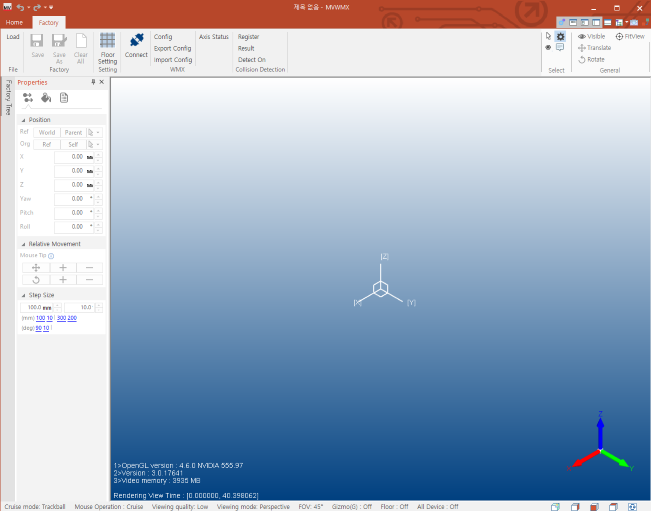
[1] Click the Load button in the upper left corner of Moven Viewer.
[2] Select the attached model file (MZ07LF_IndipendantJoint.dmwmx).
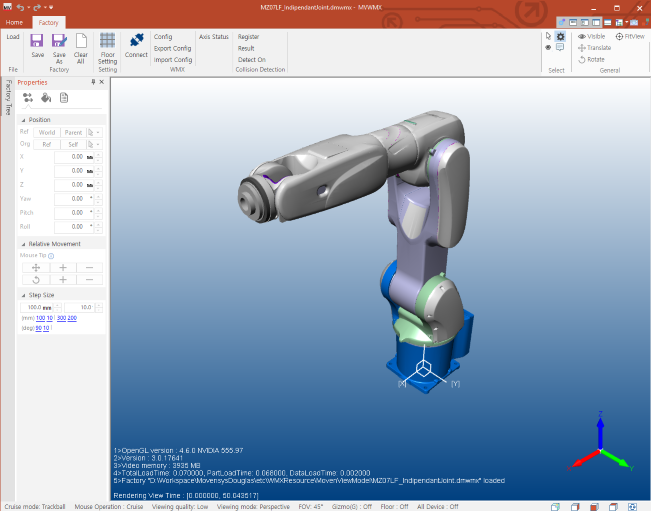
[3] Click the Connect button in Moven Viewer
Synchronizes with the status of each axis of WMX3.
3. Check WMX3 (WOS) Linkage
[1] Start Communication of WMX3 (WOS).
You can run it by clicking the Communication button in WOS.
[2] Turn on the Servo for each axis.
You can use the ServoOn button at the top of WOS.
[3] Check the linked axes of the model.

You can check the settings by clicking the Config button at the top of Moven Viewer.
[4] Move the axis and check if it is linked.
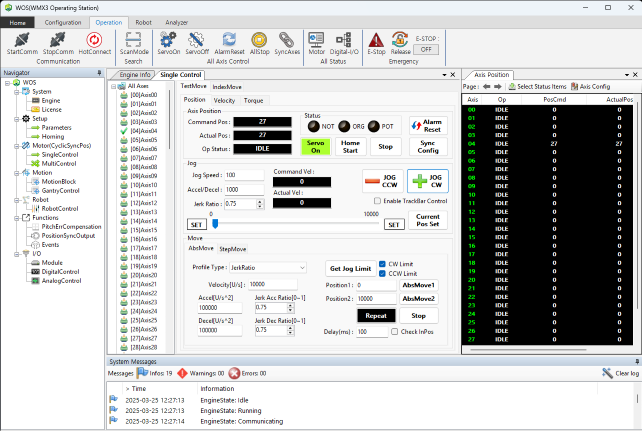
Move the axis using the Jog function of WMX3, etc. (in degrees)
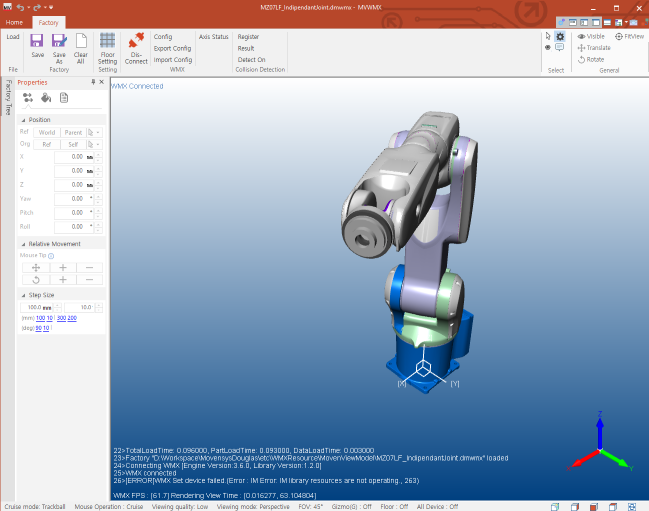
Check that the corresponding axis is linked in Moven Viewer.